Choose the source.
Use the camera, photo library or a PDF/image. In the shown build, a submission supports up to eight image pages and files under 4 MB.
Nexus Prepare / Mobile
Photograph a receipt, choose an invoice or upload a PDF for review in the cloud workspace. These are supplied screens from the current mobile test build, not invented app mock-ups.
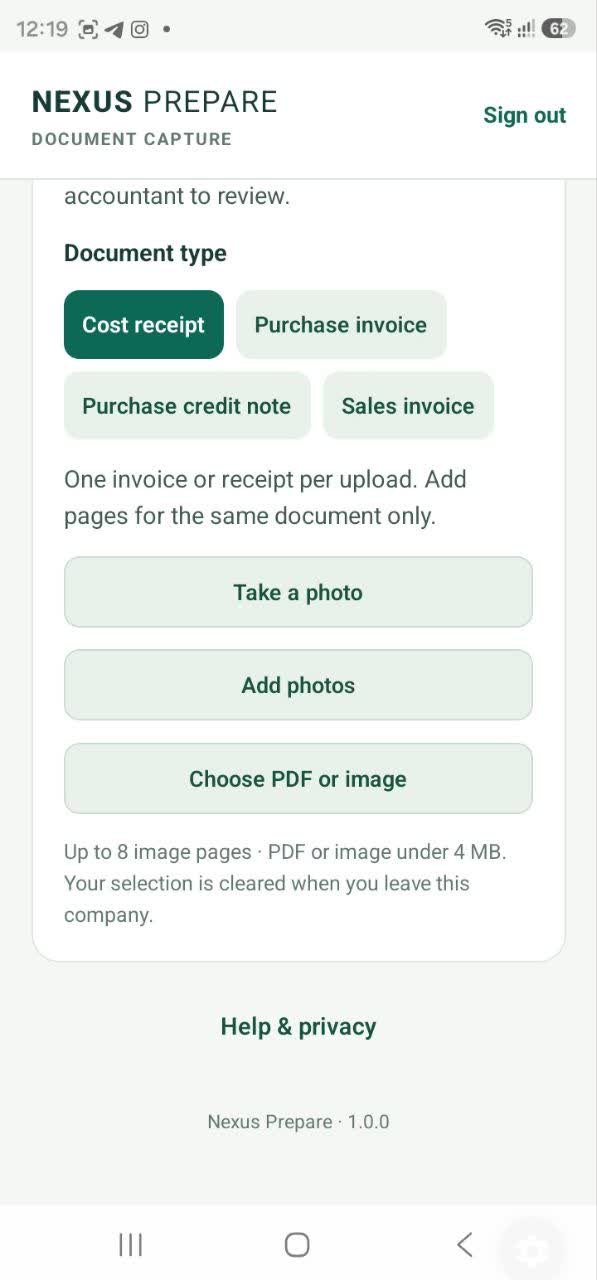
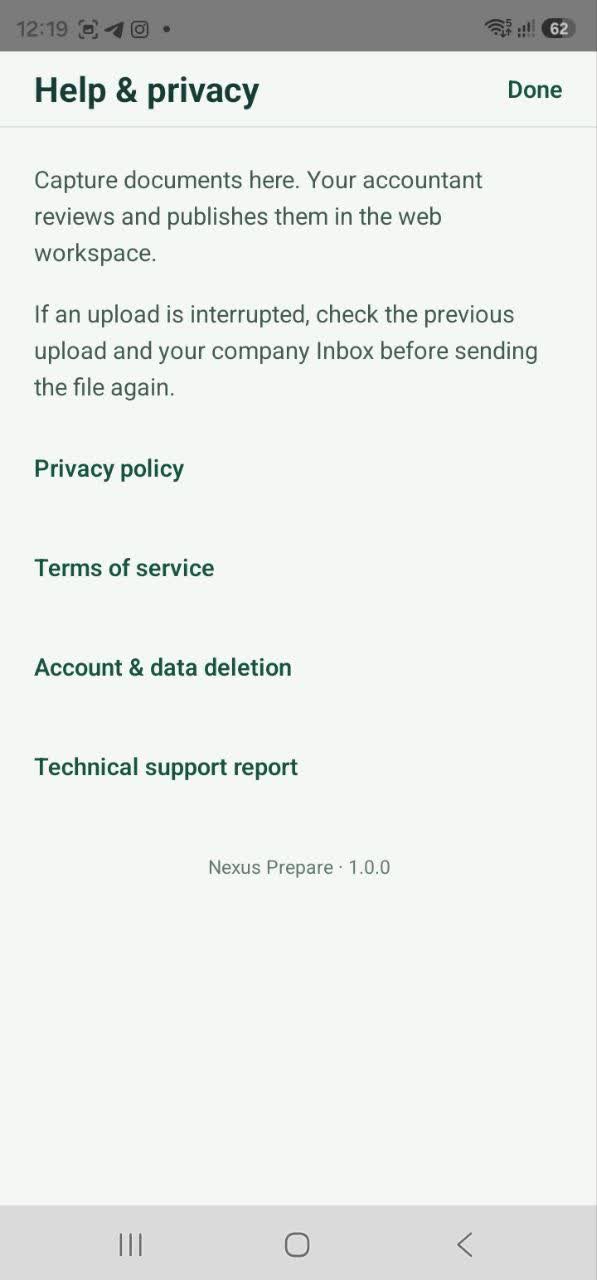
Screens supplied by Nexus · Mobile test build 1.0.0. Availability and supported devices are confirmed during onboarding. App Store and Google Play release links have not yet been announced.
Use the camera, photo library or a PDF/image. In the shown build, a submission supports up to eight image pages and files under 4 MB.
Select the relevant document category and group only the pages belonging to that document. Review happens in the web workspace.
If a transfer is interrupted, check the inbox before sending the same document again. Original evidence supports the reviewer’s decision.
Ask for a guided mobile and web demonstration.